All apps
Work
Live on Google Play
PortTracer
Find the switch and port behind a wall jack
Plug a USB Ethernet adapter into your phone and the cable into a wall jack, and PortTracer shows which switch and port is on the other end. It reads the CDP or LLDP announcement a managed switch sends about itself. It has no internet permission, so scans stay on the phone.
- Version
- 1.2.1
- Platform
- Android
Read from the Play Console on November 23, 2026
What it does
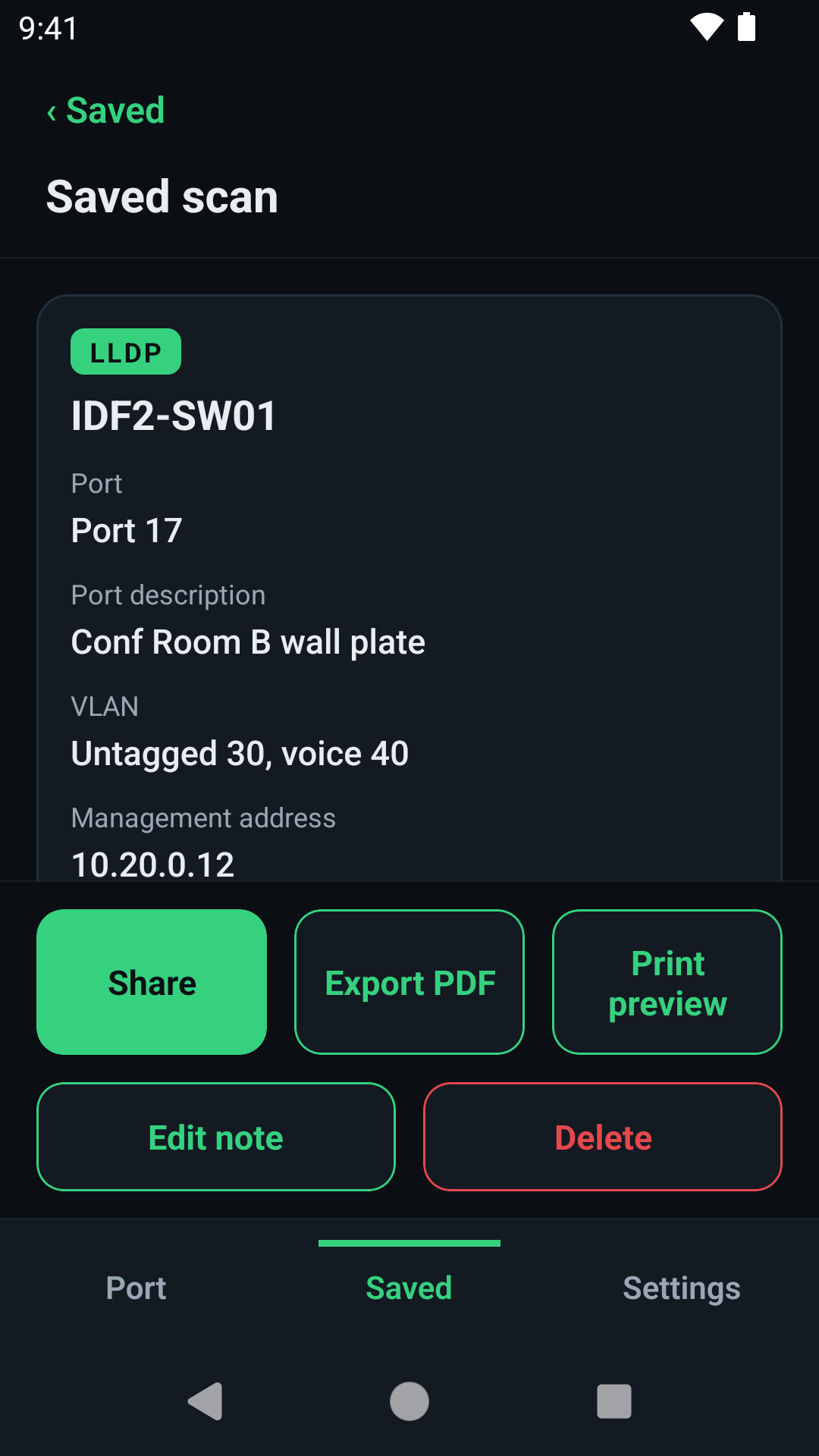
- Read the switch name and model, port name and description, VLAN and voice VLAN, management address, speed and duplex
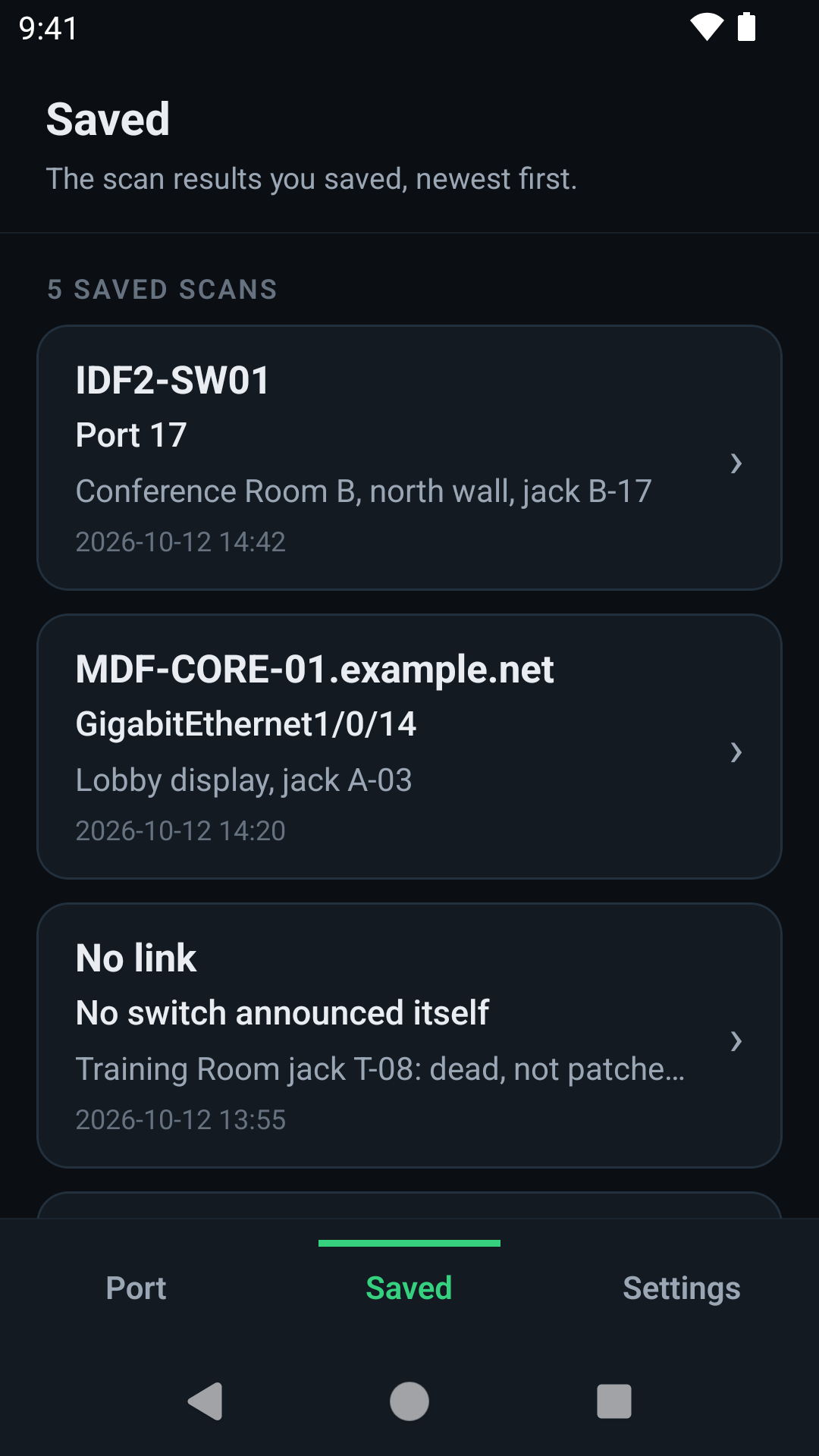
- Save a scan with a note such as the room and jack number
- Browse saved scans, newest first
- Share a scan as text
- Record a port that stayed silent or has no link
- Export a scan as a PDF report with your company details and logo
- With Pro: a multi-scan job report PDF with a jack-to-port table, and CSV export of saved scans
What it costs
Free with no ads. A one-time PortTracer Pro purchase adds the multi-scan job report PDF and CSV export. No subscription.
Your data stays on your device unless a feature says otherwise, and the privacy policy spells out exactly what each one does.
Screens